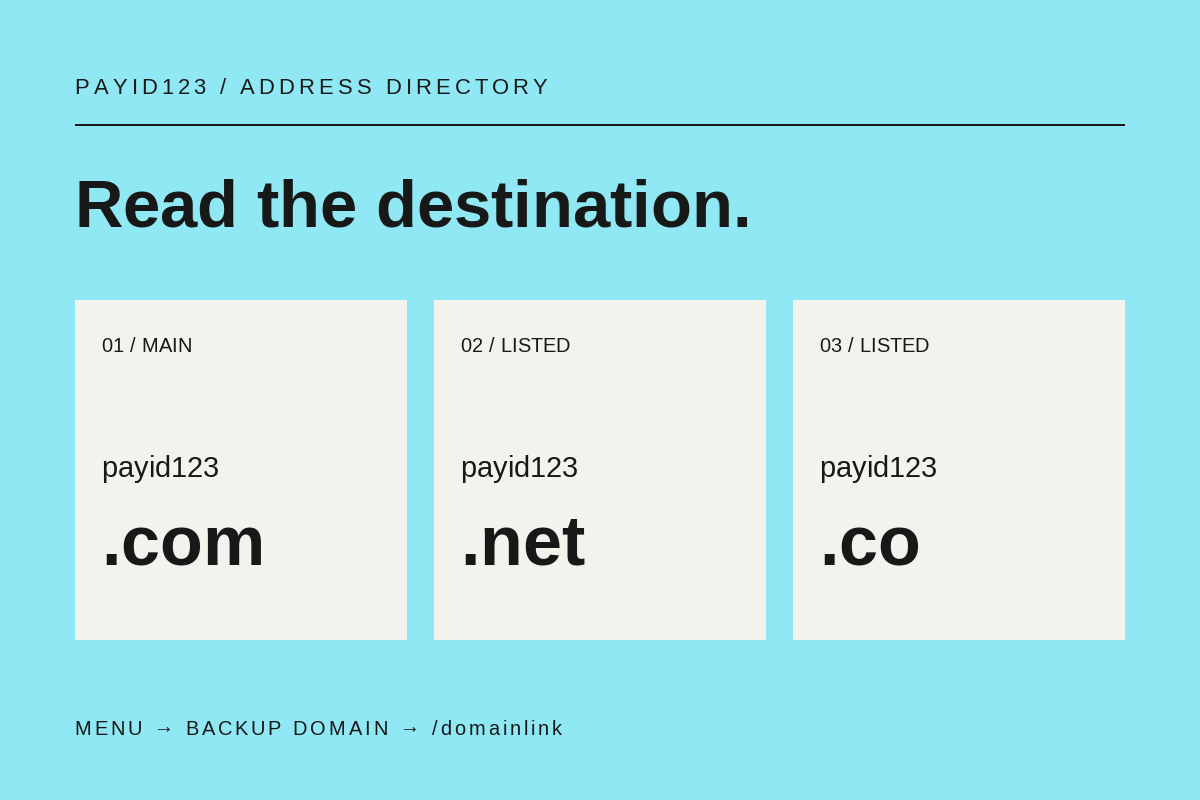
The Backup Domain item in Payid123’s main menu opens a page at payid123.com/domainlink. The menu label and the page path use different words, but they refer to the same address directory in the version checked on 13 October 2026.
That directory contains three entries. Keeping the destination separate from the page you are reading helps explain what each part of a Payid123 URL does.
The published address list
The source directory on payid123.com displays these destinations in order:
- payid123.com — the main domain from which the menu was reviewed.
- payid123.net — a separately listed address ending in
.net. - payid123.co — a separately listed address ending in
.co.
The page therefore shows the main address plus two alternatives. Its listing establishes that Payid123 publishes those links; it does not, by itself, establish the availability of every destination or the behaviour of a signed-in account there.
Domain, path and guide: three different things
In https://payid123.com/domainlink, payid123.com is the hostname. /domainlink is the path to a page on that host. Selecting Backup Domain in the menu takes you to that page; it does not immediately select the .net or .co destination.
This field guide is on payid123.biz. It is a separate information website and is not an entry in the three-address source list. Its articles explain public information before you continue to Payid123.
The guide’s main entry buttons have another role. They retain the supplied Payid123 entry URL, including its path. A root address in the directory and a complete entry link should not be treated as identical strings simply because both start with payid123.com.
Keep a complete entry link intact
The address links in this article include the supplied Payid123 entry path on each listed domain. For example, the .net link opens payid123.net/RFPAYI123+SEO01. The name shown in the list identifies the domain; the complete link includes the entry path.
Use the complete link when continuing to the platform. The separate source-directory link still opens /domainlink, where you can review Payid123’s published list.
This distinction is useful when reporting a link problem: the hostname identifies the website, while the path can identify the particular entry or page. You can describe the page name and the error shown without sharing a password or a verification code.
When a saved copy differs
Return to the main menu’s Backup Domain item to compare the current directory with a bookmark or an older note. Check the date of the copy you are reading before treating a difference as an error.
A provider name is a separate navigation label again. If that is the detail you need to identify, the provider notes on the Explore page explain examples such as MEGA888 and MEGA888H5. The address directory concerns websites, rather than individual provider entries.